
Files
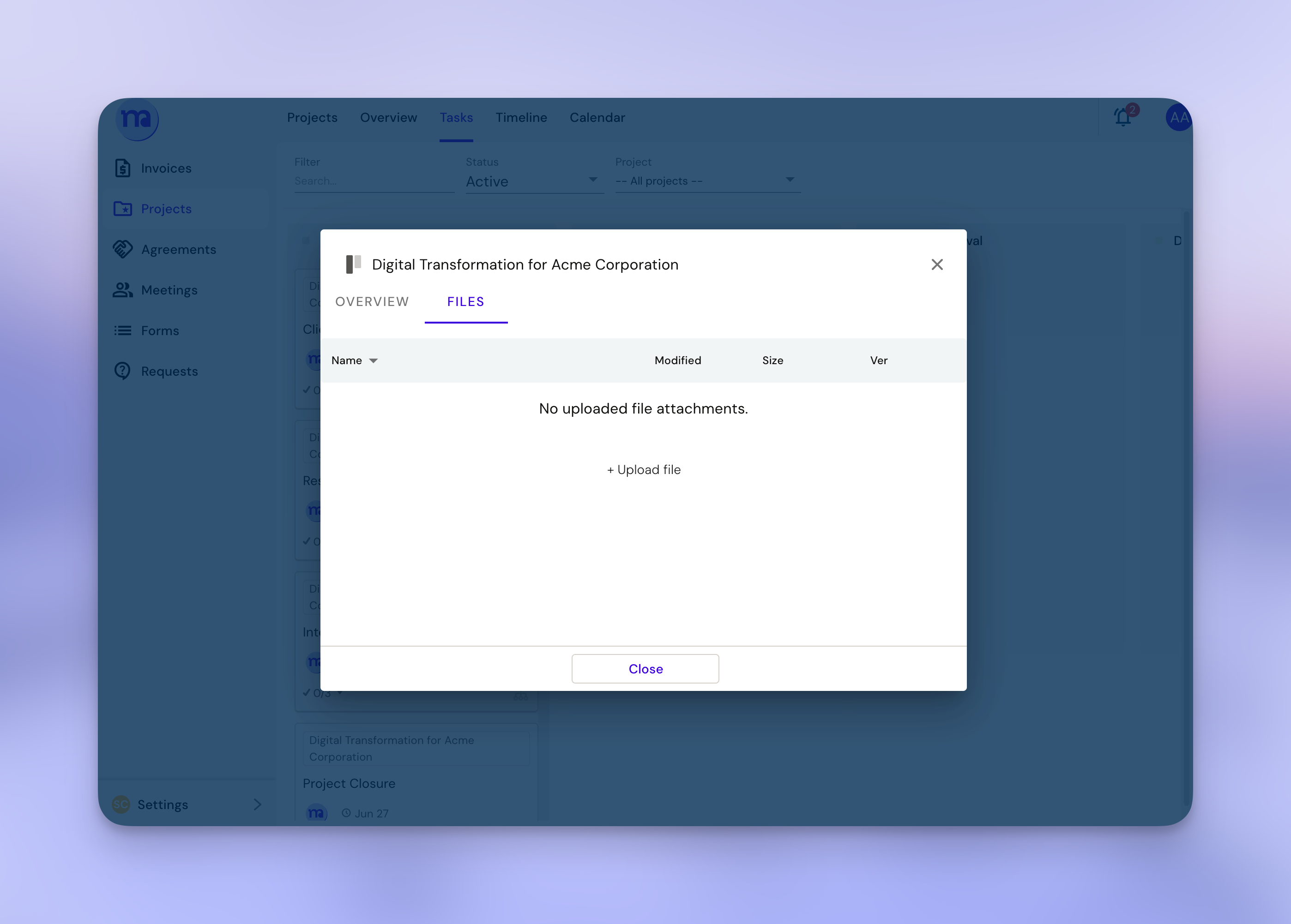
Adding files directly through file tab inside a task
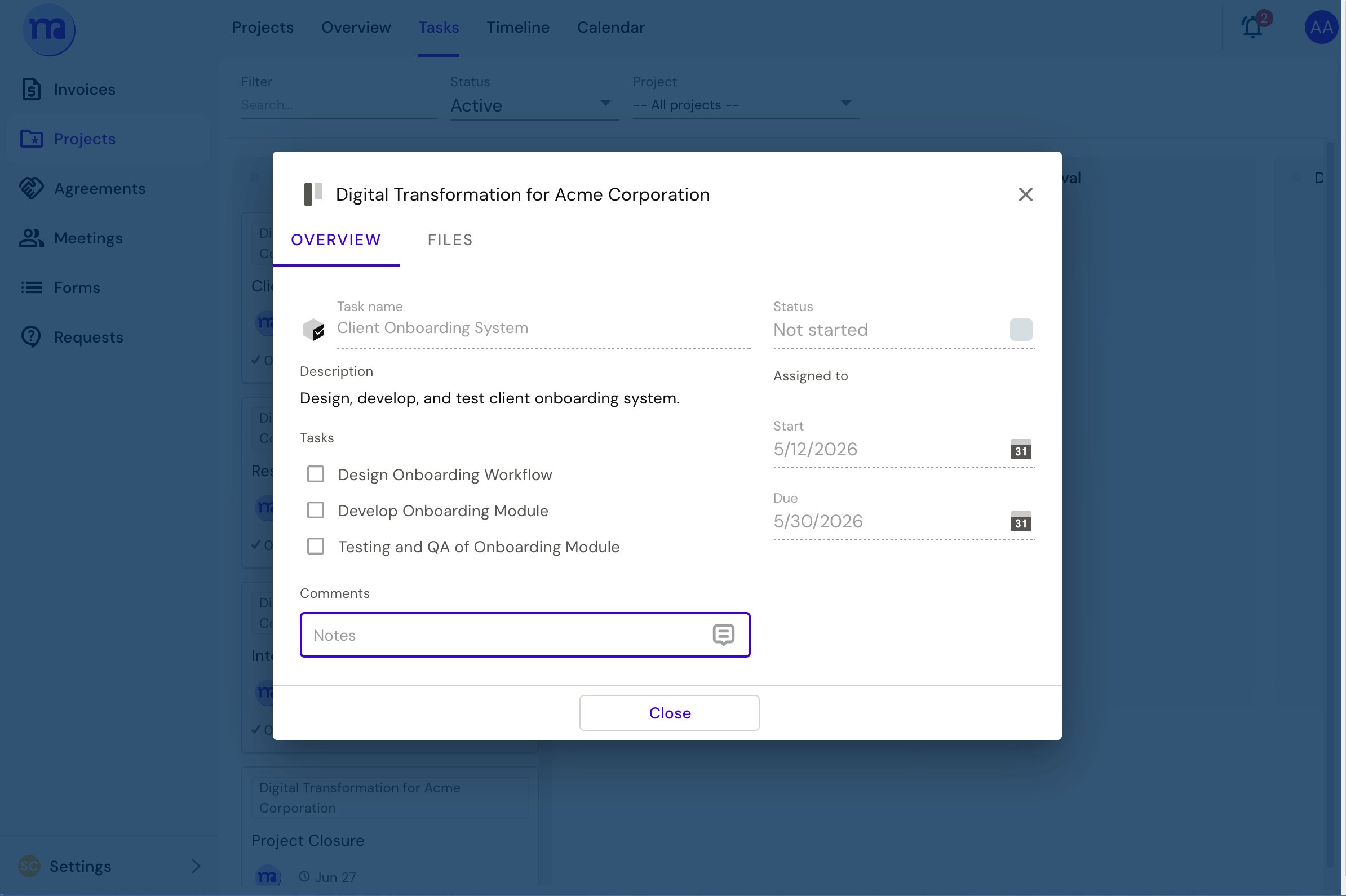
Or add a link in the comment
FAQ
- When a file is not visible, sometimes you need to refresh/ relogin/ clear your cache.
Adding files directly through file tab inside a task
Or add a link in the comment
FAQ