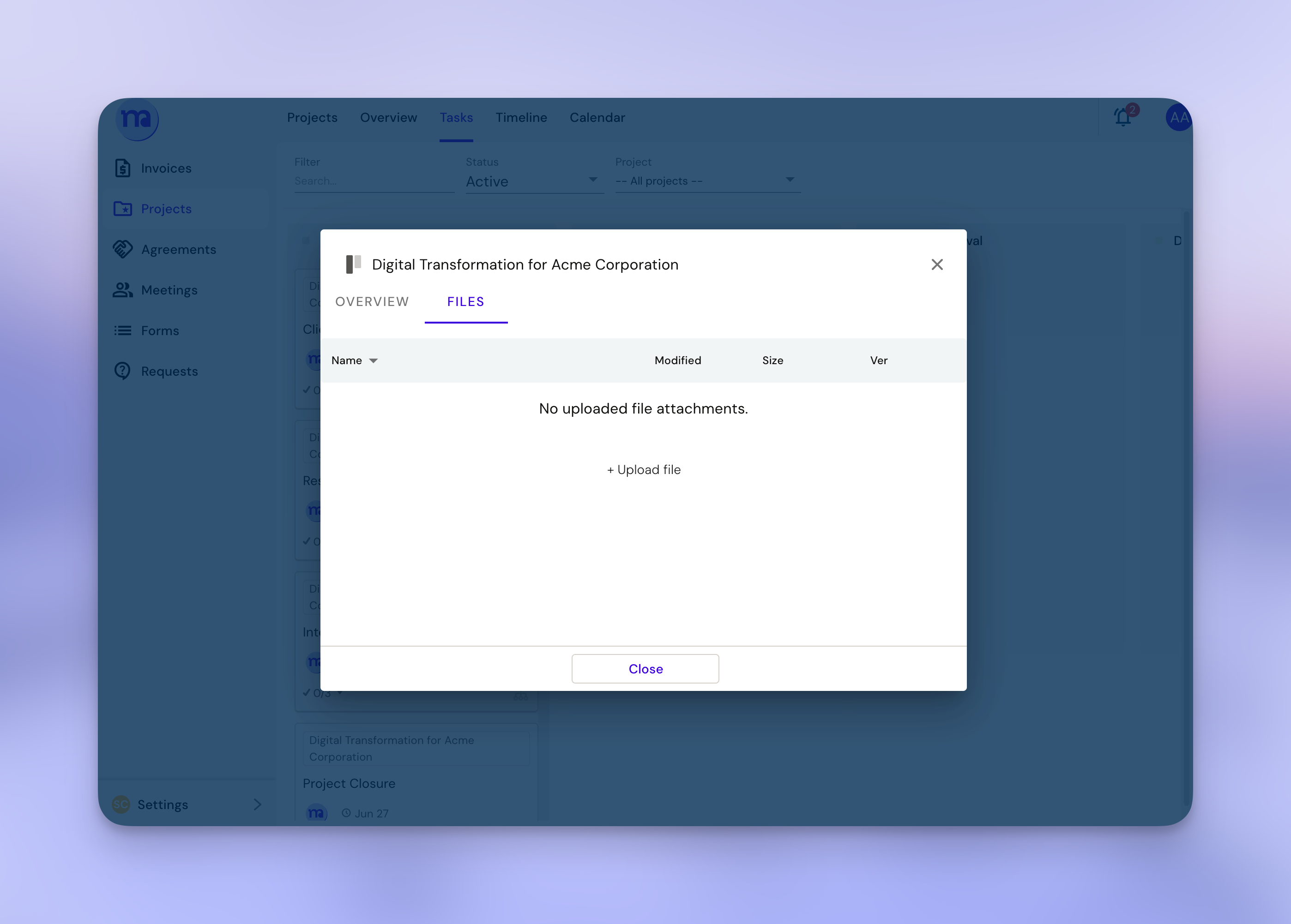
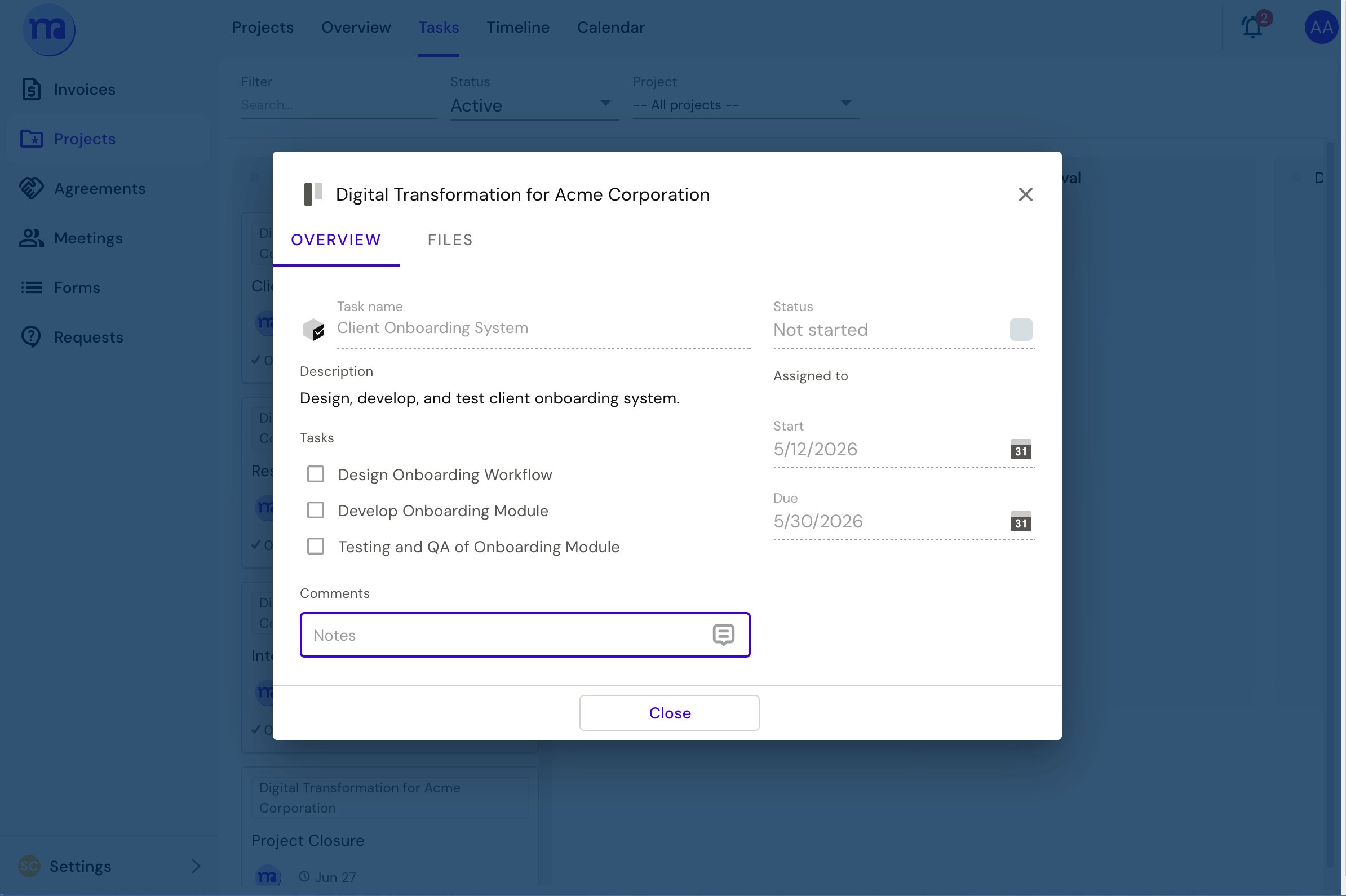
YouUnder Project menu, you can attach files directly to tasks (up to 50 MB). For larger files, share a link to Google Drive, Dropbox, or wherever your files live — just drop it in the task comments.
Adding files directly through file tab inside a task
Or add a link in the comment
FAQ
When a file is not visible, sometimes you need to refresh/ relogin/ clear your cache.