
How to Log In
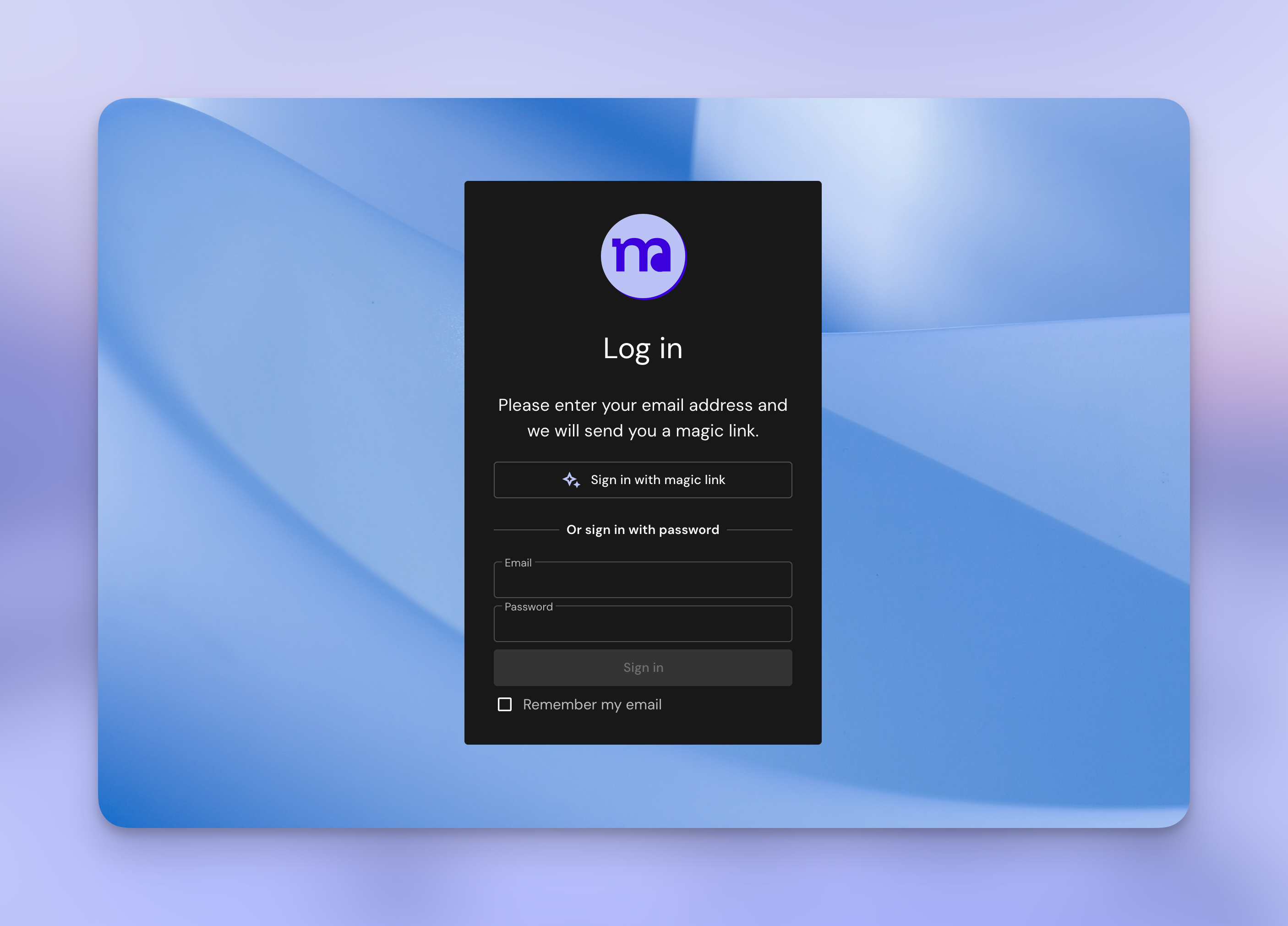
Your portal lives at go.mnd-projects.com. Bookmark it — you'll come back to it whenever you need to check on something.
You don't need to create an account or remember a password.
First time
- Go to go.mnd-projects.com
- Enter the email address where you received the invitation.
- Click Sign in
- Check your inbox for a magic link (check spam if it doesn't arrive within a minute)
- Click the link — you're in
After that
Once you've logged in for the first time, you can optionally set a password by clicking your profile icon in the top right corner. But you don't have to — the magic link works every time.
Can't log in?
Make sure you're using the same email address we use to communicate. If you're still stuck, send us a message at amanda@mnd-projects.com and we'll sort it.
No comments to display
No comments to display